
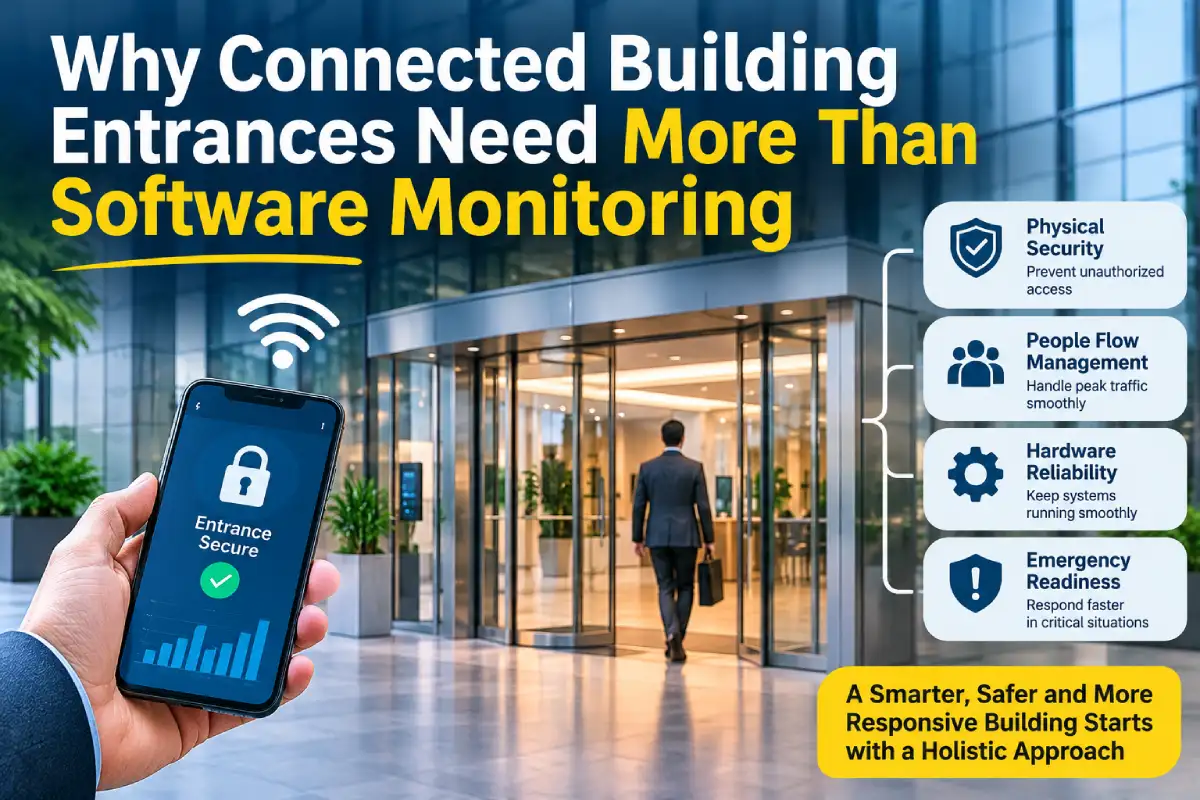
A building access dashboard may show that a credential was accepted while the person at the entrance is still waiting outside. The digital event describes one part of the process. It does not establish that the lock released correctly, the door moved as intended, or the opening was clear.
For facilities teams, that distinction matters when investigating unreliable entrances. A connected entry system brings software and physical equipment into the same workflow, but each part still needs an identifiable owner. Better reporting begins with describing what each system actually knows.
Map the sequence before interpreting the data
A controlled entrance may involve a reader, an access controller, a locking device, and a powered door operator. Some installations also provide status information from other devices. The available signals vary, so document the actual configuration rather than assuming that every event is visible in one application.
Describe a normal arrival in order. A user presents a credential, the controller applies its access rules, and the relevant equipment responds. Ask the installer or service provider to explain the interfaces and what each recorded event represents. An entry labelled as granted may confirm authorization without confirming that the person passed through.
That is why automatic door maintenance should remain part of the operating plan even when a building has extensive access logging. Software records can help investigate a fault, but they do not replace assessment and servicing of the physical entrance. Keep responsibilities clear between the access control provider and the specialist responsible for the door equipment.
Create a current record of those responsibilities. Include system models, support contacts, and the party authorized to approve configuration changes. An entrance that combines equipment from several providers can otherwise produce a circular support conversation, with each team waiting for someone else to identify the cause.
Collect evidence that connects the systems
When a fault is reported, record the door reference, time, observed behaviour, and the relevant system event if available. Check that the systems being compared use understood time settings. A mismatch between clocks can make separate events appear connected or hide a useful sequence of observations.
Write reports in terms that both technical and building staff can use. For example, a person may report that their credential was accepted but the door remained closed. That observation gives the support teams a starting point without claiming which component failed. Avoid turning an assumption into the official diagnosis before anyone has inspected the installation.
Keep investigations within authorized access. Logs may contain information about individuals’ movements, so limit collection and sharing to what the task requires and follow the organization’s privacy practices. Understanding common sources of cyber threats is also important when managing connected access systems and protecting sensitive operational data. A contractor investigating one entrance should receive relevant evidence rather than an unnecessary export of everyone’s access history.
Treat safety functions as a separate responsibility from convenience features. A remote command or a successful credential event does not establish that the door’s protective functions are working correctly. Staff should follow the equipment instructions and use qualified support when operation is unsafe. Never bypass a protective device to make a dashboard show a successful result.
Manage changes across the whole entrance
A software update, a change to access hours, or replacement hardware can affect how users experience the entrance. Record what changed and who approved it. Where a change crosses interfaces, involve the relevant providers before applying it. Repeatedly altering settings without a record makes later diagnosis more difficult.
Agree on an acceptance process for completed work. Ask the responsible specialists to confirm the required functions for the installation and explain what building staff should observe during normal use. Record any limitations or further work. Closing a support ticket should mean that the agreed scope has been completed, not simply that an error message disappeared.
Review recurring reports alongside service records. Several complaints at one entrance may relate to a particular time, a physical obstruction, or a component that needs further assessment. The pattern is a prompt for investigation rather than proof of a cause. Preserve enough detail for the next technician to avoid starting the same discussion from scratch.
The useful role of connected building technology is to improve the quality of decisions. Clear event definitions, relevant observations, and a service history help teams ask better questions. When the digital record and the physical entrance are managed together, the building has a stronger basis for resolving the problems its users actually encounter.
