
If you’re launching a new product or service in the tech space, there’s a good chance that your customers won’t understand how to use it right off the bat. And that’s where technical guides come in, helping you to explain your product in a manner that’s easy for anyone to understand.
Beyond simply making your product usable by the average person, a well-written technical guide can help you minimize how much time you’re spending responding to customer queries, and save money while you’re at it. Here, we’re outlining our top tips for writing the perfect technical guides for non-technical users.
Table of Contents
1. Understand Who You’re Writing For
When you sit down to write your technical guide, you need to have a clear picture of who your reader is. Your own team might think in terms of systems or product architecture, but your target audience just wants to use your product to get stuff done, fast. If your guide assumes they already know the lingo, you’re going to lose them right from the start.
Start by working out what your user is trying to achieve. Put yourself into the shoes of a professional technical writing service, like DevDocs, and ask questions about your customer like: what is it they want to do? What problem are they trying to solve? And how much do they already know about your product? Your guide will be much easier to follow when it’s written around the reader’s goal rather than to sell your product’s fancy features.
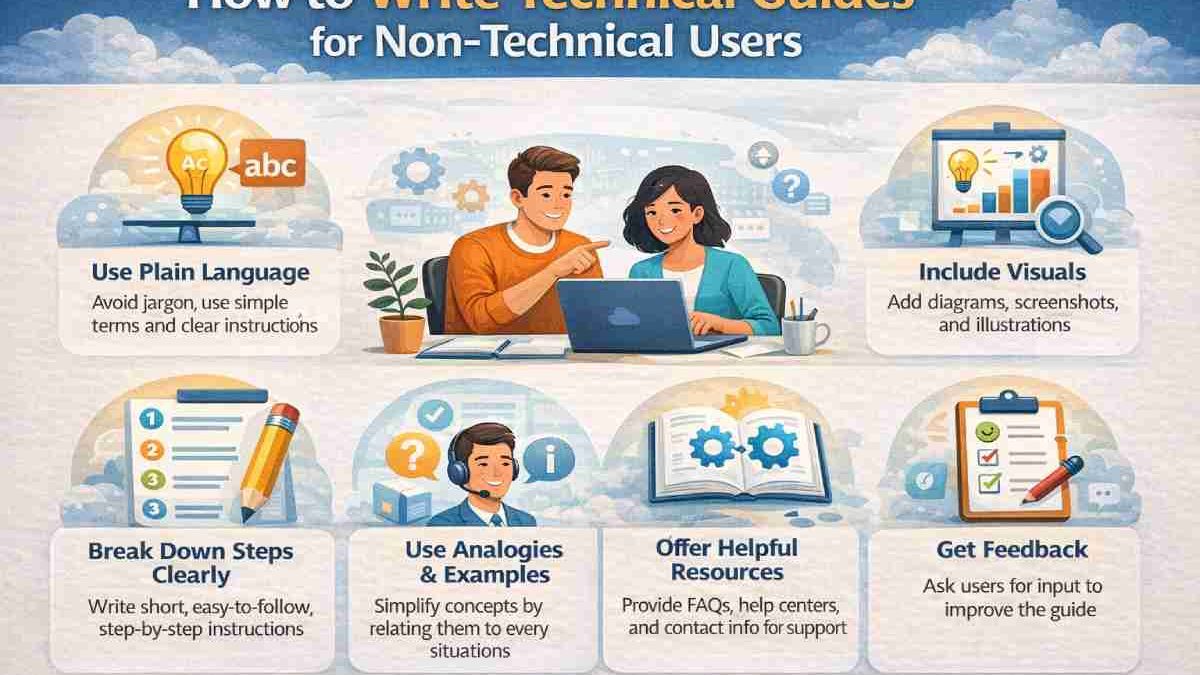
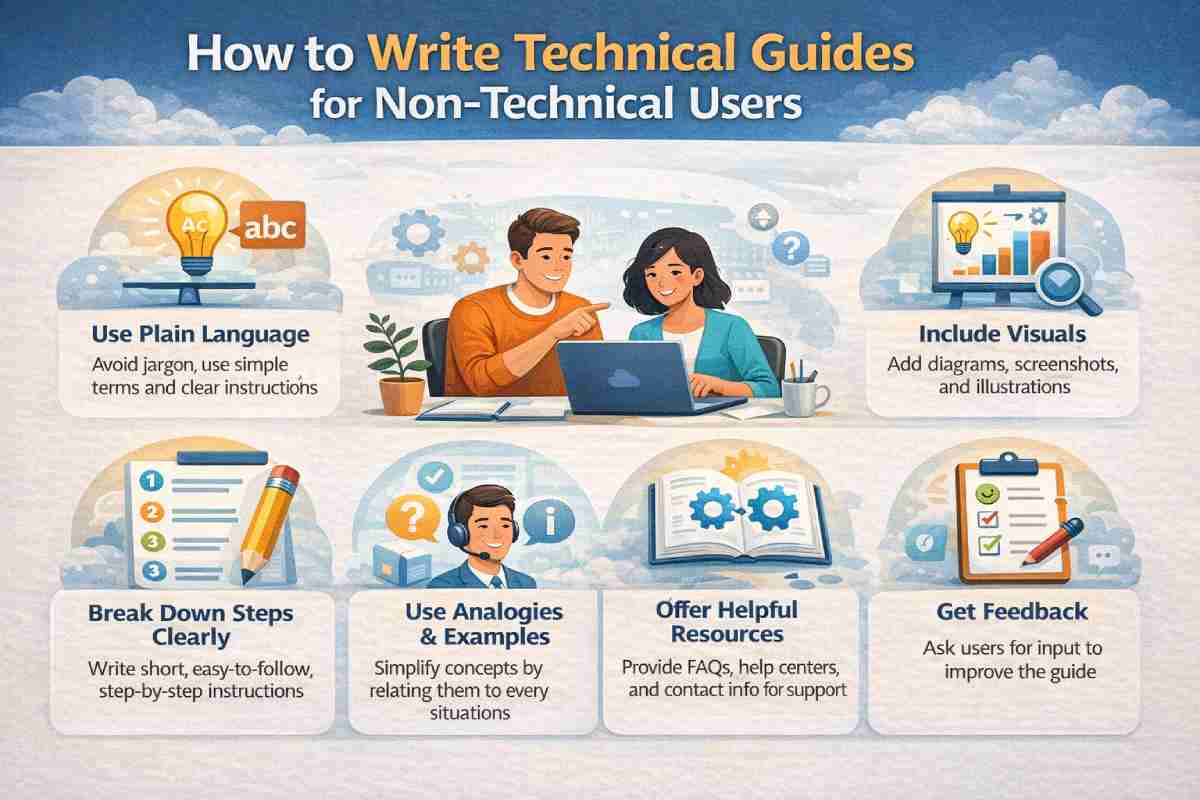
2. Use Plain Language, Every Step of the Way
Wherever you can, swap out the technical terms for simple, straightforward language that the average reader can understand. You don’t want your customers to see some obscure phrase they’ve never heard before and just stop reading altogether. Instead of describing the backend processes, explain what they’ll see and what they need to click.
Break it down into short sentences and provide direct instructions that are easy for anyone to understand. It’s best to avoid using internal acronyms unless you explain what they mean in simple terms from the get-go.
3. Show Them What to Do, Rather Than Just Telling Them
It’s important to keep in mind that different people learn in different ways. Make sure to cater to all learners in your technical documentation, using screenshots or visual references wherever possible. Many of your customers will appreciate pictures to make sure they’re on the right track.
You could even include a link to an instruction video (or a QR code that customers can scan with their phone for printed documents—Adobe has a free QR code generator for this) for additional explanation.
4. Test the Guide on Real Users
Finally, when your guide is in its final draft stage, test it on a group of real people who aren’t tech experts. Ask them to follow the guide by themselves, without any help, and watch where they get stuck or lost. Whenever this happens, there’s a good chance that your wording is unclear or you’re missing a step.
What if a non-tech user follows the guide all the way to the end without needing any help? In that case, you know it’s working like it should.
Also Read: Simple Solutions to Make Your Business Run Smoothly
